Automate your approval workflows
Digital workflows that eliminate bottlenecks. Each request follows its path automatically, with smart escalation, notifications, and a complete audit trail of who approved what and when.
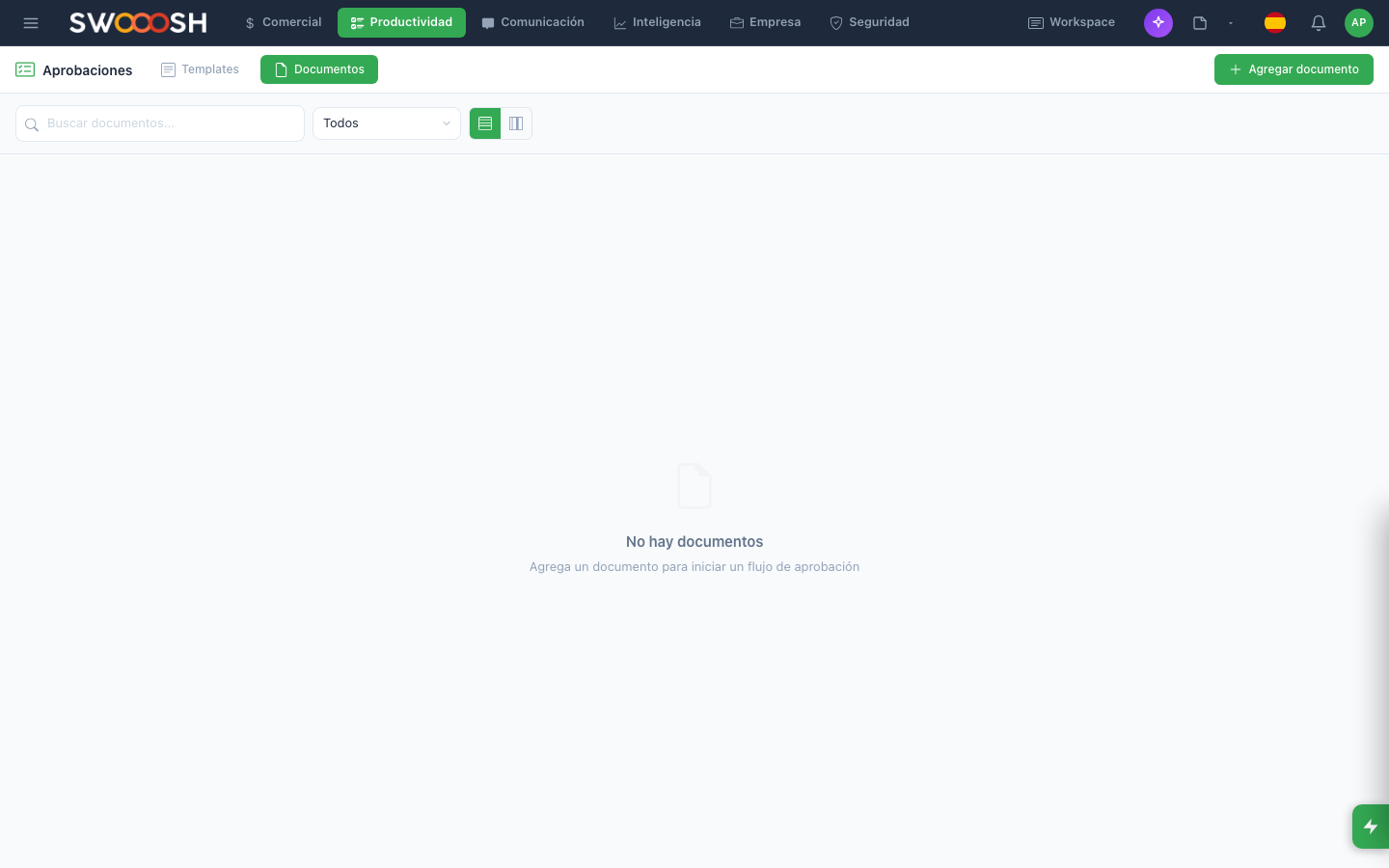
Approval workflows with statuses, escalation, and audit trails.
Approvals slow down the entire operation
Requests lost in email, approvers who don't know they have something pending, and processes that take weeks because nobody can track where the request is.
Approvals lost in email
A purchase request is emailed to the manager. The email gets buried among 50 others and the manager doesn't see it. Days later, the requester asks and everything has to be resent. A process that should take hours takes weeks.
Bottlenecks with no visibility
The request is 'in process' but nobody knows with whom. Has finance approved it? Is the director's signature missing? Without visibility of the full workflow, requesters chase approvers down hallways.
No audit trail
Who approved that $50,000 purchase? When was it authorized? What justification was given? Without a formal record, internal audits are a nightmare and decision traceability doesn't exist.
Manual processes without standards
Each department has its own way of requesting approvals: some by email, others by WhatsApp, others with printed forms. There's no unified process and each request is handled differently.
Are your approvals getting lost in email?
There's a better wayHow Nabú automates your approval workflows
Workflows with configurable steps, real-time statuses, and automatic notifications.
Digital workflows with automatic escalation
Define the path each type of request must follow: who approves first, who second, and what happens if someone doesn't respond in 48 hours. The system sends notifications, reminds pending approvers, and automatically escalates when there are delays.
- Multi-step workflows configurable by request type
- Automatic escalation when an approver doesn't respond in time
- Notifications via email, chat, and push notification
- Mobile approval with a single tap
Pending requests view with priority, requester, and deadline.
Full visibility of every request's status
The requester sees in real time where their request is: who already approved, who has it pending, and how long it's been at each step. The administrator sees all active requests with filters by type, department, and status.
- Real-time tracking of each request's status
- Dashboard with all pending approvals by department
- Complete history: who approved, when, and with what comments
- Average approval time metrics by type and department
Approval time metrics, bottlenecks, and trends.
Complete audit trail and efficiency metrics
Every action is logged: who requested, who approved, when, with what justification, and what documents were attached. Metrics show which request types take longest, where bottlenecks are, and how to improve times.
- Immutable audit log with date, time, and user
- Documents attached to each request as evidence
- Approval time reports by type and approver
- Data export for internal and external audits
Want to see approval workflows in action?
Schedule a demoThe modules that power this use case
Each company activates only the modules it needs.
Approvals
Digital workflows with escalation
Tasks
Request tracking
Approver notifications
Analytics
Time and efficiency metrics
Workspace
Supporting documents
Internal Chat
Request queries
Industries that use this the most
Frequently asked questions
Any process that requires authorization: purchase orders, vacation requests, travel expenses, hiring, price changes, special discounts, marketing publications, etc. Each request type has its own workflow with the steps and approvers you define.
The system sends automatic reminders. If after the configured time (e.g., 48 hours) the approver hasn't responded, the request escalates to the next level: their supervisor or an alternate approver. You define the escalation rules for each workflow.
Yes. Approvers receive a notification on their phone and can approve or reject with a single tap, add a comment, and attach documents if needed. No need to be at a computer for the process to advance.
Yes. You can define conditional rules: if the amount is under $5,000, it only needs the direct supervisor's approval. Above $5,000, a step with the CFO is added. Above $50,000, board approval is required. Rules are fully configurable.
Yes. The entire approval history — who requested, who approved, when, with what justification, and what documents were attached — can be exported in standard format for internal audits, external audits, or regulatory compliance.
Eliminate bottlenecks with digital approval workflows, automatic escalation, and complete audit trails.
Request a demo