Project management with full visibility
Kanban boards to assign tasks, a workspace where the team collaborates in real time, minutes that generate themselves after every meeting, and shared notes that eliminate information silos.
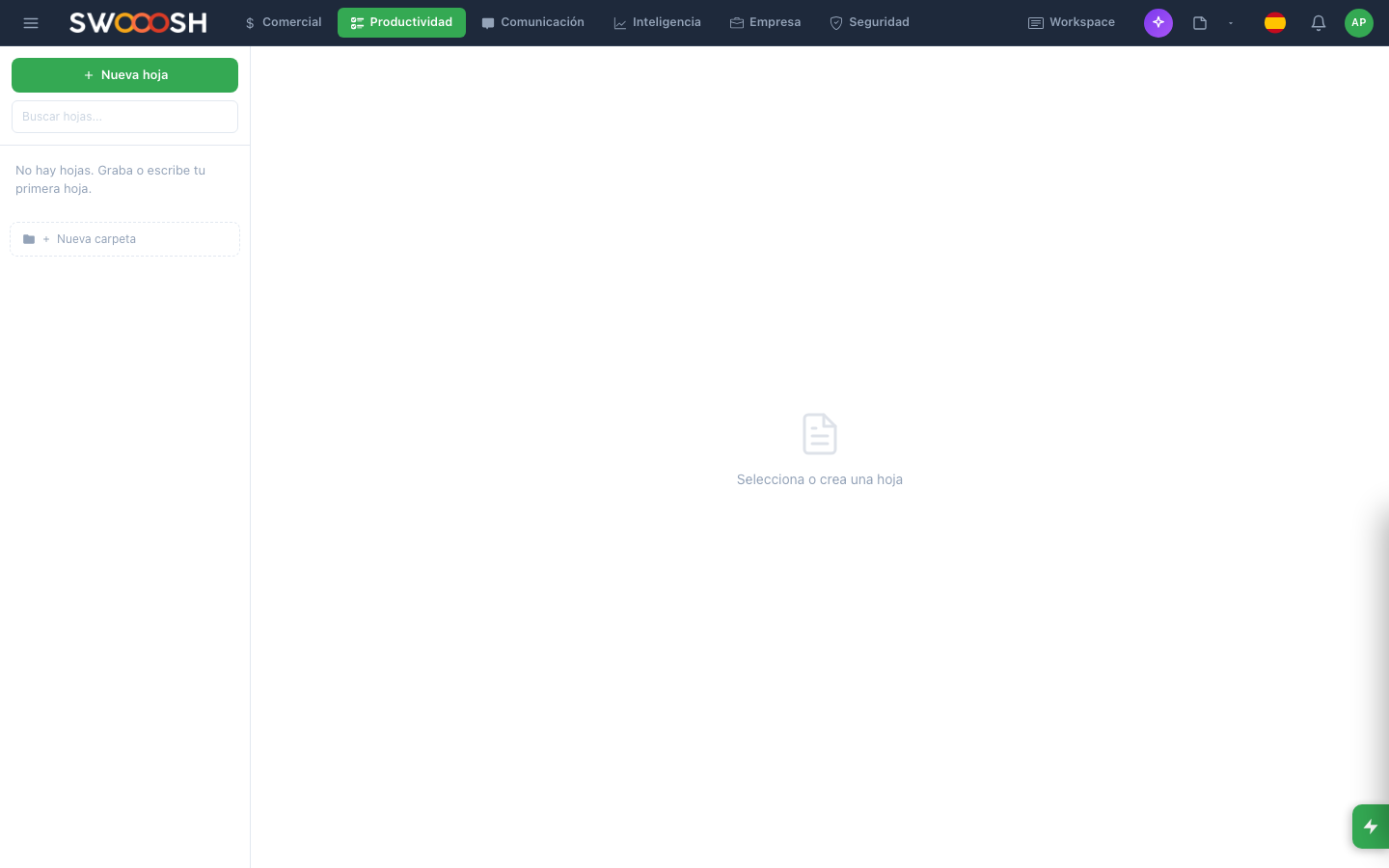
Kanban board with assigned tasks, deadlines, and visual progress by project.
Projects fall behind due to lack of visibility
When tasks live in emails, spreadsheets, and scattered chats, nobody knows who is doing what or when it is due. Deadlines are missed and the manager finds out too late.
Tasks without owners or deadlines
Someone mentions a task in a meeting but nobody formally logs it. It has no owner, no due date, and weeks later nobody knows who was supposed to do it.
Deadlines that slip silently
Without a system that alerts when a task is about to expire or already has, delays pile up silently. The manager discovers the project is behind weeks later when there is no margin to correct.
No visibility of the overall status
Is the project at 30% or 80%? Who is blocked? Which tasks are most urgent? Without a consolidated view, the project manager navigates blind and makes decisions based on assumptions.
Information scattered across tools
Decisions are made in Slack, documents live in Google Drive, tasks in a spreadsheet, and meeting notes in email. Finding anything relevant means searching five different places.
Are your projects falling behind due to lack of visibility?
There's a better wayHow Nabú organizes your projects from start to finish
Kanban board with assigned tasks, priorities, and visible deadlines.
Kanban boards with clear assignments and deadlines
Each project has its own board with configurable columns. Tasks are assigned to owners with a due date, priority, and tags. The team sees at a glance what is pending, in progress, and completed. Automatic alerts warn before a deadline passes.
- Configurable columns per project: to-do, in progress, review, done
- Assignment to one or more owners with due dates
- Automatic alerts 24 hours before expiration
- Filters by owner, priority, tag, or date
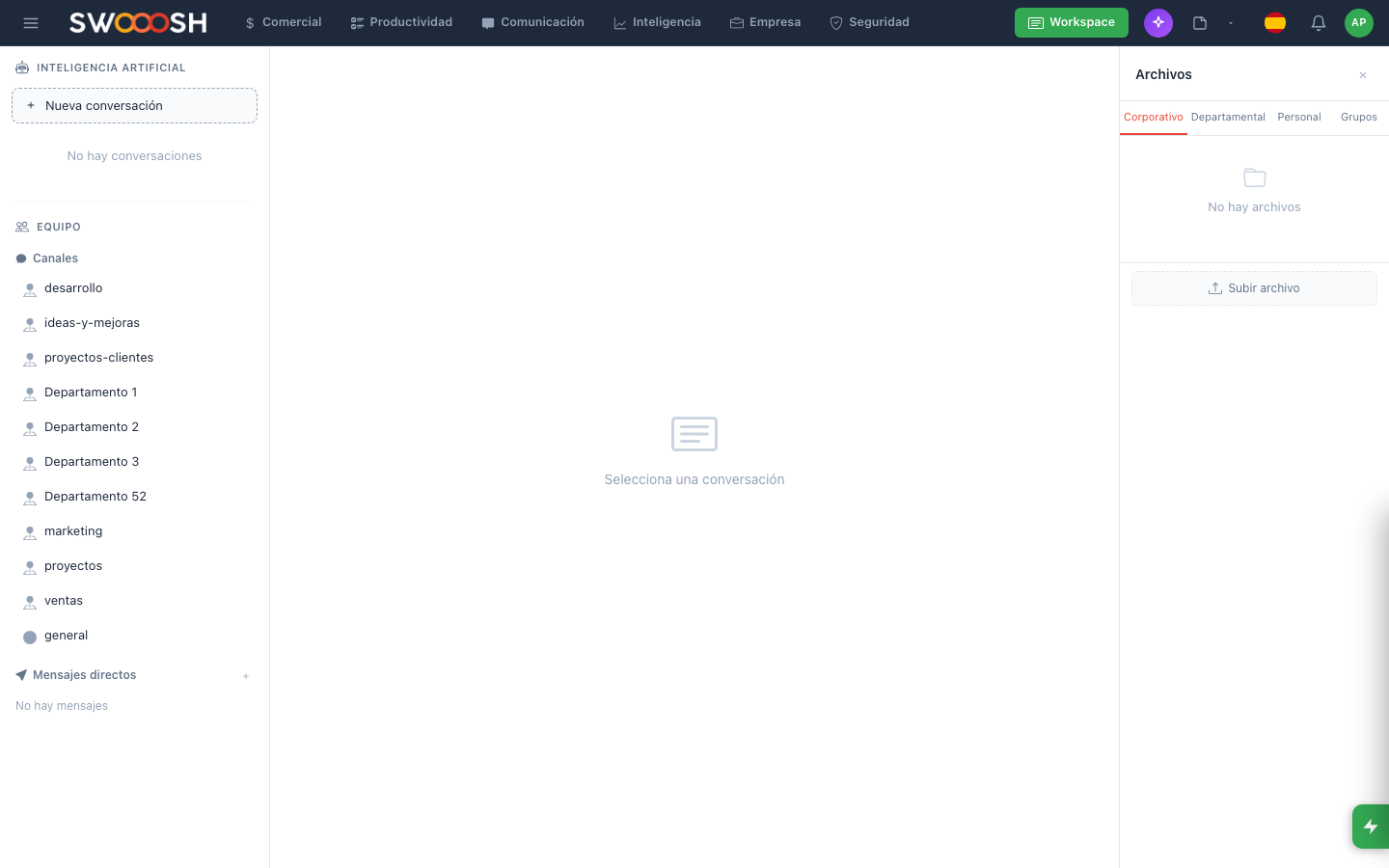
Workspace where the team collaborates on documents in real time.
Collaborative workspace to centralize information
A space where the team creates documents, shares files, and comments in context. Everything related to a project lives in one place: specs, designs, decisions, and references. No jumping between Google Drive, Notion, and email.
- Collaborative documents with real-time editing
- File attachments organized by project
- Inline comments for in-context discussions
- Version history for every document
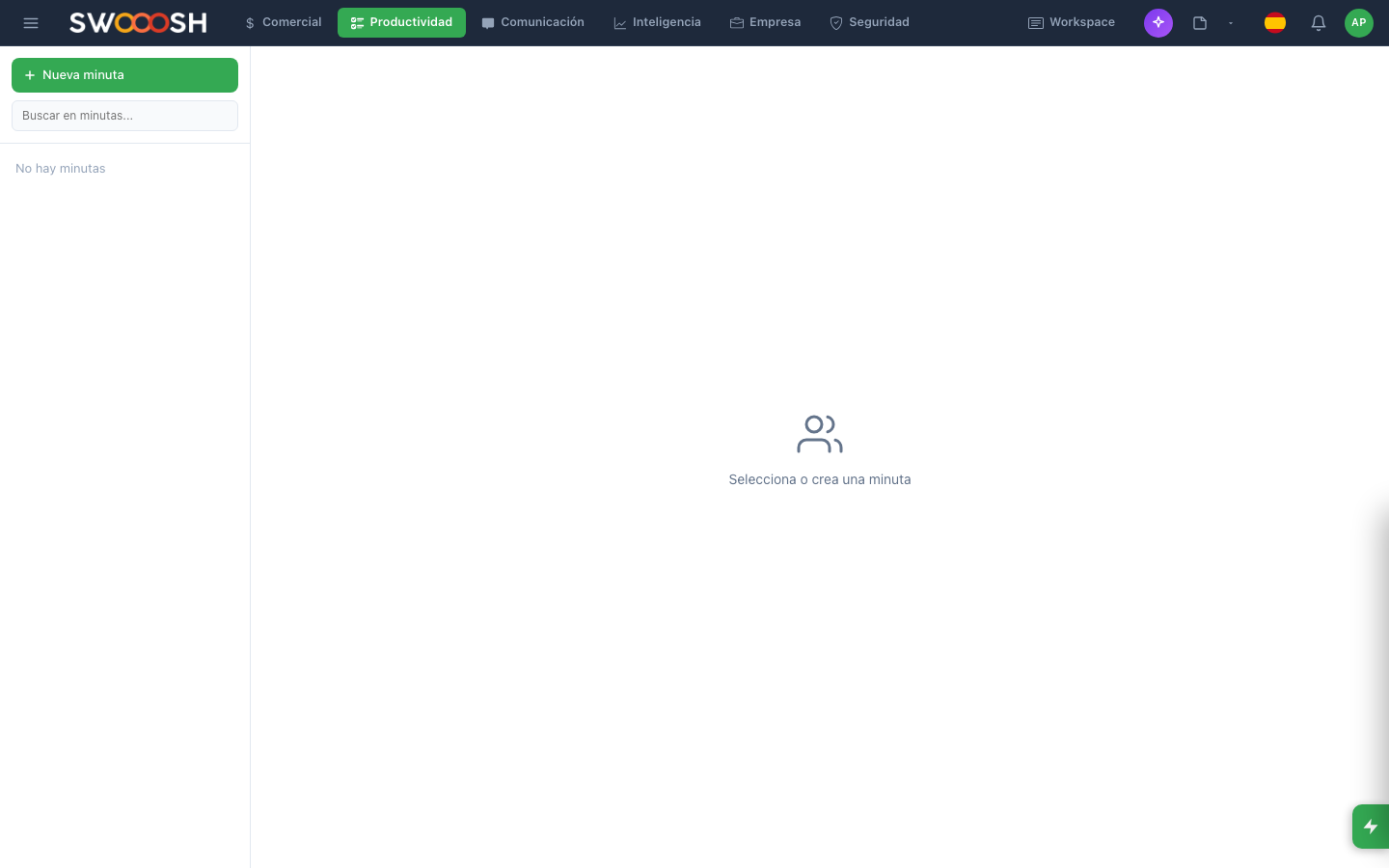
Minutes automatically generated with agreements, tasks, and assigned owners.
Automatic minutes that turn meetings into action
After every meeting, AI generates the minutes with discussion points, agreements, and assigned tasks. Tasks are automatically created on the project board with the agreed owner and deadline. Meetings stop being conversations that get forgotten.
- Automatic minute generation with AI
- Extraction of agreements and tasks with owners
- Automatic task creation on the project board
- Meeting history by project accessible to the whole team
Want to see how projects are managed in Nabú?
Schedule a demoThe modules that power your project management
Each company activates only the modules it needs. These are the most used for project management.
Projects (Tasks)
Kanban boards and tracking
Workspace
Shared documents and files
Minutes
Automatic meeting notes
Collaborative Notes
Team documentation
Internal Chat
Per-project communication
Approvals
Deliverable validation
Industries that use project management the most
About project management with Nabú
Yes. Nabú includes full kanban boards with task assignment, deadlines, tags, filters, and project views. The advantage is that tasks are integrated with chat, workspace, minutes, and every other module. No need for a separate tool.
Yes. AI generates the minutes with discussion points, agreements, and tasks extracted from the meeting. Tasks are automatically created on the project board with the agreed owner and deadline.
Yes. Each project has its own board, workspace, and chat channel. You can switch between projects with a click and each team member sees only the projects they are assigned to.
Yes. The board shows a progress bar based on the percentage of completed tasks. You can also see metrics like pending, in-progress, and completed tasks, overdue tasks, and workload per team member.
Yes. Multiple people can edit the same document simultaneously with changes visible in real time. The system maintains a version history so you can always revert to a previous version.
Organize your projects with kanban boards, collaborative workspace, and automatic minutes.
Request a demo