Business email with context
A unified inbox for the entire team, with AI-suggested replies and automatic CRM linking. Every email is associated with the corresponding client, so nobody loses the thread of a conversation.
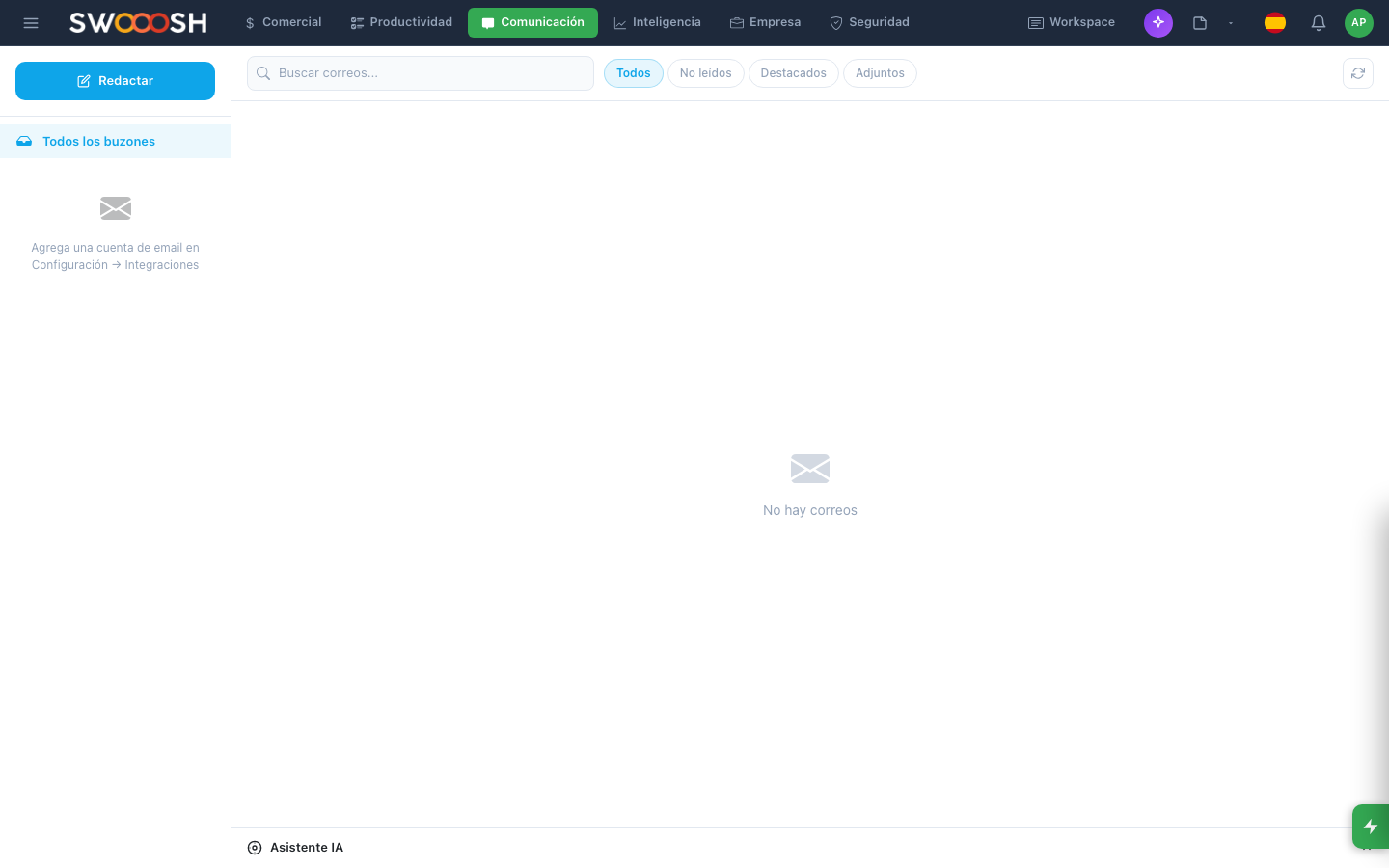
Unified inbox with AI: every email connected to client context in the CRM.
Emails lost across personal inboxes
Each salesperson uses their own inbox. Client emails get lost when someone goes on vacation or changes roles. There is no link between email and CRM: finding a client's context means searching two different systems. Replies vary in tone and quality depending on who writes them.
Are your client emails getting lost across personal inboxes?
There's a better waySmart email connected to your business
All team emails in one inbox, organized by client.
Unified business inbox
All team emails arrive in a shared inbox. Each email is assigned to the right person, and any team member can see the full conversation history with every client. If someone is out, another picks up without losing context.
- Shared inbox per team or department
- Automatic or manual email assignment
- Full conversation history per client
- Status indicators: pending, replied, archived
AI reads the email, understands context, and suggests a ready-to-send reply.
AI-suggested replies
When an email arrives, AI analyzes the content, checks the client's CRM history, and suggests a reply. The tone adapts to the email type: formal for proposals, friendly for support, direct for follow-ups. You review and send.
- Suggestions based on CRM context
- Automatic tone adaptation by email type
- Free editing before sending
- Learns from your team's communication style
Templates by email type with client variables inserted automatically.
Templates by email type
Create templates for your most frequent emails: welcome, follow-up, proposal, billing, confirmation. Each template includes dynamic variables that auto-fill with client data from the CRM.
- Template library organized by category
- Dynamic variables: name, company, balance, date
- Visual editor with HTML formatting
- Shared templates per team
Every email is automatically linked to the client in the CRM.
Automatic CRM linking
Every email sent or received is automatically associated with the corresponding client in the CRM. The client card shows the full email history alongside calls, meetings, and notes. Includes open tracking so you know who read what.
- Automatic email-client matching by address
- Email history visible in CRM client card
- Open and link click tracking
- Unified timeline of all interactions
Ready for every email to have full client context?
I want to see a demoTechnical details of Email
Unified inbox
AI replies
Dynamic templates
CRM linking
Open tracking
Interaction timeline
Exportable reports
Open API
Business email for every industry
Any company that manages client relationships via email needs an inbox connected to the business. These industries use the email module to keep every conversation linked to context.
About Nabú Email
It is a business email module with a unified inbox for the entire team. It includes AI-suggested replies, templates with dynamic variables, and automatic CRM linking: every email is associated with the corresponding client so context is always available.
Yes. All team emails arrive in a central inbox where they can be assigned, prioritized, and tracked. Each member sees emails assigned to them and can access the full history of any client. If someone is out, another member picks up conversations without losing the thread.
Yes. When an email arrives, AI analyzes the content, checks the client's CRM history, and generates a reply suggestion with the right tone. You review it, edit if needed, and send. AI does not send anything without approval.
Every email sent or received is automatically associated with the client in the CRM by email address. The client card shows all emails alongside calls, meetings, and notes in a unified timeline. No manual linking required.
Yes. You can create templates for your most frequent emails (welcome, follow-up, proposal, billing) with dynamic variables that auto-fill with client data. Templates are shared per team and organized by category.
Connect every email to client context. Reply with AI, use templates, and never lose the thread.
Request a demo